

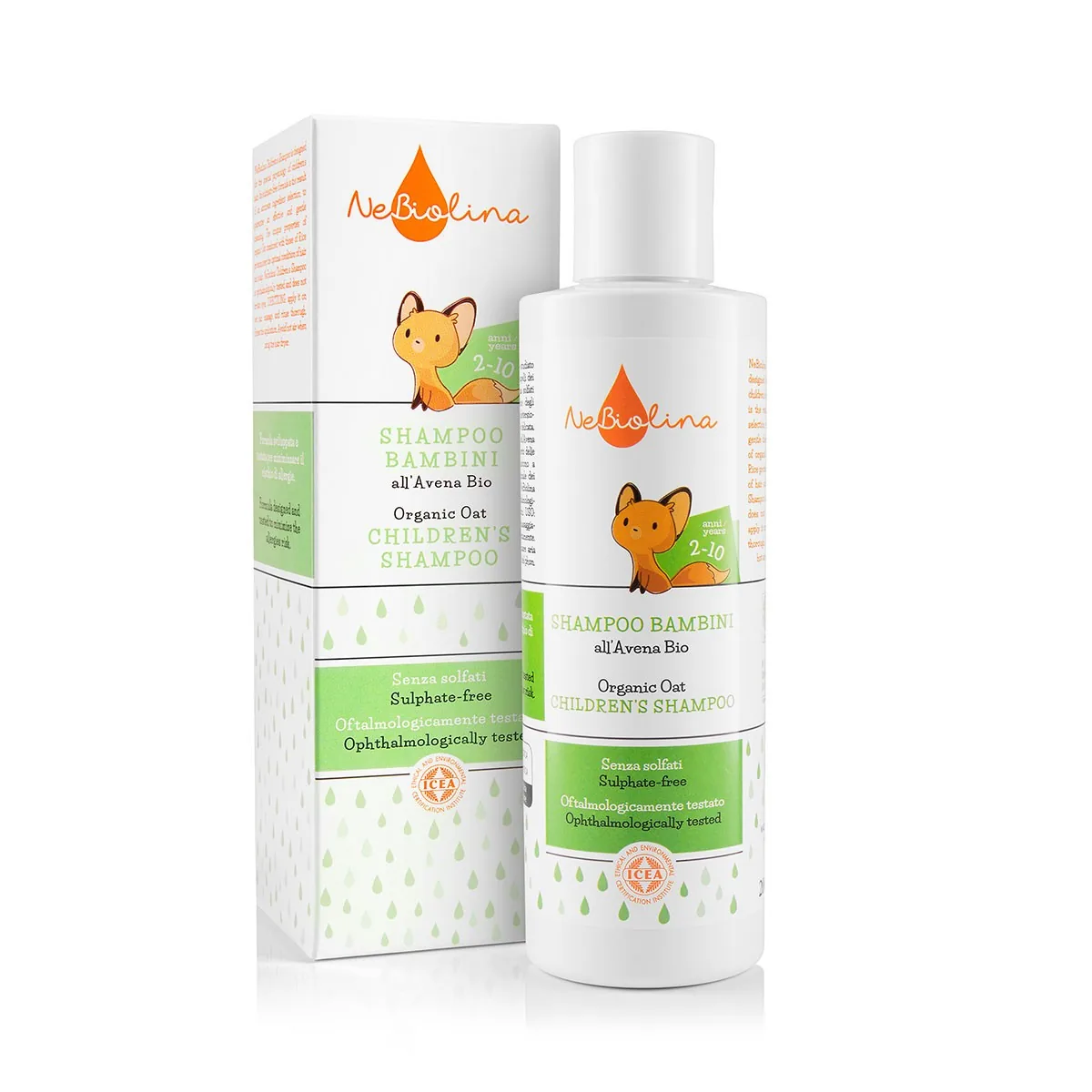
Shoptet is the most widely used online shop platform in the Czech Republic, and it handles photos well. But it has a few rules that, if you don't know them, leave your products with white bars or blurry photos. Here is an overview of dimensions and formats based on Shoptet's current help pages.
First, choose an aspect ratio
In the modern templates, you choose the aspect ratio for product photos in the admin (Settings → Products → Display). The default is 4:3, and 1:1, 2:3 and 3:4 are also available. Make this decision first, because shooting and cropping depend on it.
| Aspect ratio | Recommended size | Best for |
|---|---|---|
| 4:3 (default) | 1364 × 1024 px | electronics, furniture, wide products |
| 1:1 | 1024 × 1024 px | cosmetics, accessories, a universal choice |
| 3:4 | 1024 × 1364 px | bottles, clothing, tall products |
| 2:3 | 1024 × 1536 px | fashion, photos on a model |
Older templates (Pop, Rock, Soul and Echo) don't offer this choice and always use 1024 × 768 px.
What happens when the size doesn't match
- A larger photo is scaled down by Shoptet. It isn't cropped or distorted.
- A smaller photo, or one in a different ratio, is padded with white. On a white background that doesn't matter, but a photo with a coloured background or a lifestyle photo ends up with visible white bars.
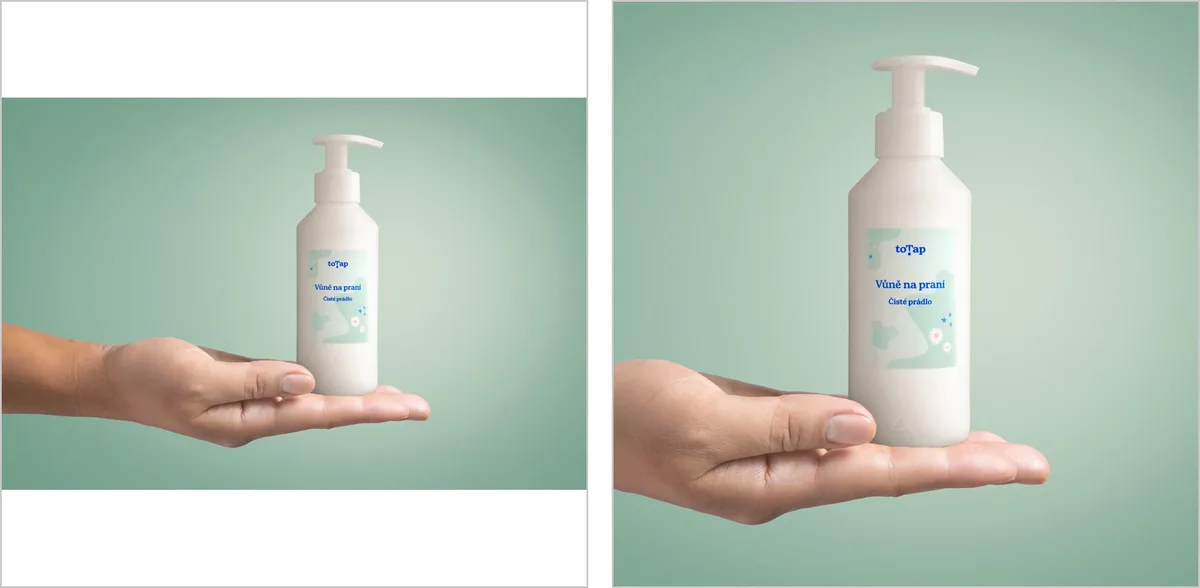
Left: a 3:2 photo uploaded to a shop set to 1:1, which Shoptet pads with white bars. Right: the same photo prepared as a square from the start.
That's why I recommend supplying photos in the ratio your shop is set to, at least 1024 px wide. If you want room for zoom and future template changes, go bigger, for example 2000 px on the longer side.
Format and file size
- The maximum file size is 2 MB. Shoptet won't upload a larger file.
- Upload JPG. It's the best choice for photos because it gives the smallest files. Shoptet itself advises keeping a photo under 1 MB, ideally in the hundreds of kB.
- Use PNG only where you need a transparent background, for example when your shop template doesn't have a pure white background.
- Don't worry about WebP. Since 2024, Shoptet converts photos to WebP itself when serving them to visitors. According to the help pages, uploading WebP directly doesn't work yet.
Tip: Name photos after the product, e.g. brush-chrome-black.jpg instead of IMG_4521.jpg, and fill in the image caption in the admin. It helps in Google Image search.
Other images that come in handy in Shoptet
- Social media image (the preview when a link is shared): 1200 × 628 px.
- 360° photos: Shoptet recommends 24, 48 or 100 frames, with a maximum of 365.
Summary
Choose an aspect ratio, supply photos in it at least 1024 px wide, as JPG under 2 MB. If you order a Shoptet shoot from me, just tell me which ratio you have set and you'll get photos ready to upload without any further editing.
Write to me and we'll arrange a shoot for your online shop.
Sources (checked 29 October 2026)